


The Farm Friends program
Become part of our loyalty program and collect Hof-Points with every purchase – easily and automatically.
Redeem your Hof-Points for attractive discounts and benefit from exclusive advantages as a loyal customer.
Join now

Create a customer account

1€ = 10 farm points

Reward yourself
great enjoyment

Courtier
You become a farm friend from your first order - welcome! You'll automatically receive a 3% discount coupon.

Farm Gourmet
You become a "Hofgenießer" (farm connoisseur) once you accumulate 1500 points within 12 months. You'll immediately receive a 5% discount coupon...

Court Ambassador
Howdy! You seem to love our cheese as much as we do. You'll become a Farm Ambassador once you've accumulated 5000 points within 12 months. You'll receive a 7% discount and exclusive recipes by email.

Court Godfather
Congratulations! As a Farm Sponsor, you're a true cheese connoisseur. This level awaits you from 9000 points. You'll receive a 10% discount and be part of an exclusive cheese tasting – live via Zoom.
Die Belohnungen
Free shipping
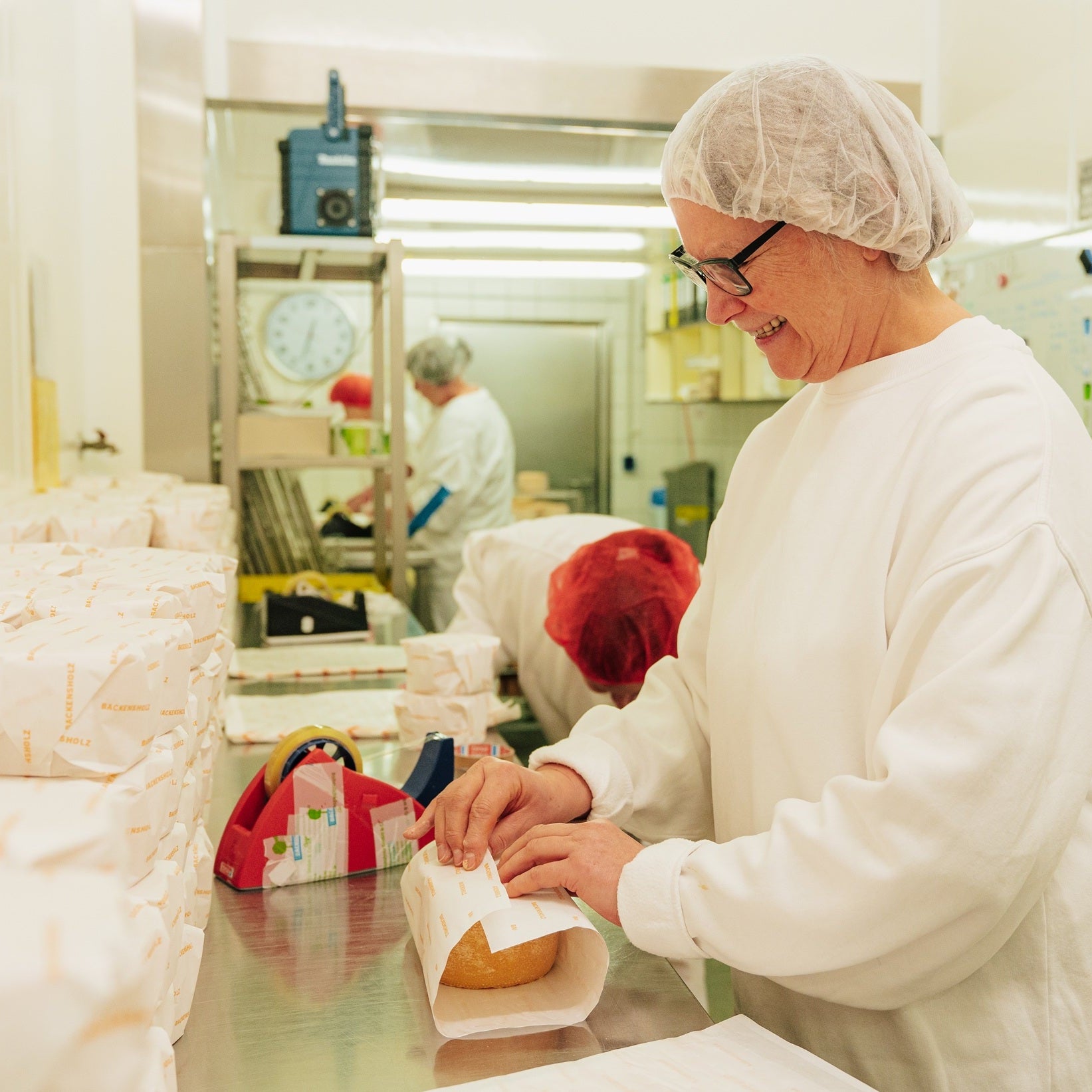
250g free farm cheese
Invitation to a Cheese Tasting
Punkte bekommen
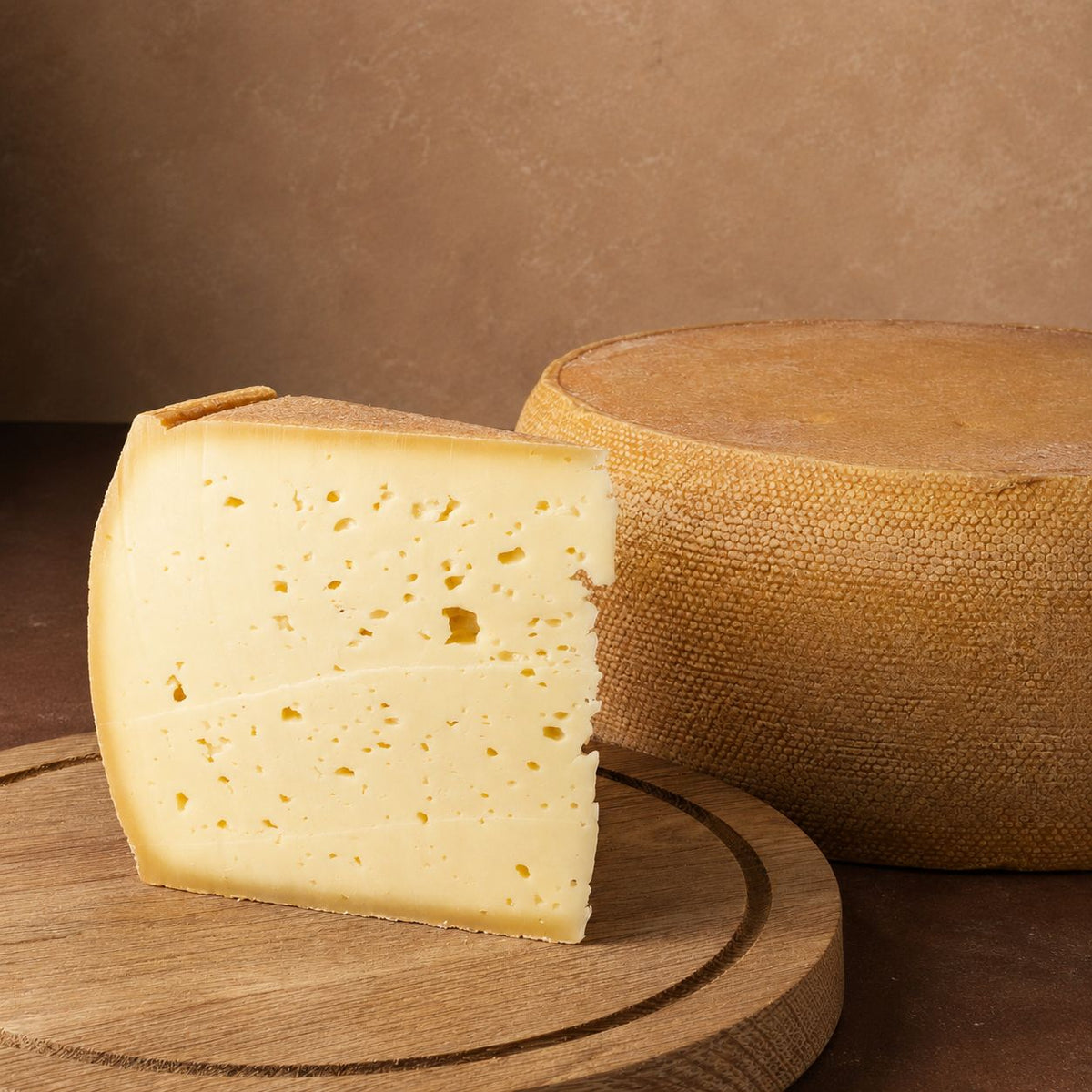
Recommendation = 250g Brot free for you + your friends
Steps for Recommendation
Send link
- You participate in the Farm Friends program
- You send a referral link to a new customer
- You can find the referral link in your customer account under "Farm Points"
Friend places order
- your referred friend clicks on the link
- a pop-up window opens, allowing them to redeem the voucher for the 250g piece of Bröd
- a customer account must now be created
- the shopping cart is filled, a 250g piece of Bröd is added, and then the discount code can be applied
- order is submitted
You'll receive your voucher
- after we have received your order, you will receive the voucher for 250g of Bröd by email
- you can redeem the voucher within 6 months
- fill your shopping cart, add a 250g piece of Bröd and then enter the discount code
- treat yourself to a delicious bread with Bröd!
Place order €1 = 10 points
Evaluate = 50 points
Follow on Instagram = 20 points
Around the courtyard points
You collect Farm Points for each order. One euro spent is equivalent to 10 Farm Points.
Collecting points happens automatically in your customer account; you don't need to do anything else.
The only prerequisite is a customer account, as the system cannot assign points otherwise.
The collected farm points will bring you to different levels.
- 0 - 1499 Farm Points = Farm Friend
As a Farm Friend, you get 3% off orders
- 1500 - 4999 Farm Points = Farm Connoisseur
As a Farm Connoisseur, you get 5% off orders
- 5000 - 8999 Farm Points = Farm Ambassador
As a Farm Ambassador, you get 7% off orders and exclusive recipes via email
- from 9000 Farm Points = Farm Patron
As a Farm Patron, you get 10% off orders, recipes via email, and an invitation to a cheese tasting via Zoom.
You can redeem your collected points for gifts. For example, free shipping awaits you for 500 farm points.
Yes, participation is free for you. You can only win!😊
In deinem Kundenkonto findest du den Bereich ,,Hofpunkte einlösen''.
Aktiviere dort das gewünschte Geschenk und trage den erstellten Rabattcode in das Rabattfeld im Checkout ein. Du musst den Rabattcode kopieren und in das Rabattfeld eintragen, der Code wird nicht automatisch hinzugefügt.
Für Gratis-Produkte (z.B. 250g Hofkäse gratis) lege zu erst das entsprechende Produkt in den Warenkorb. Danach kannst du den Rabattcode eintragen und es wird dir 100% Rabatt abgezogen.
Yes, the collected courtyard points expire after 12 months.
You can see your score and your achieved level in your customer account.
On PC / laptop: top right, by the icon with the person
On smartphone: top left, by the three horizontal lines, and then at the very bottom under "Account"


Organic • Family-Run • Award-Winning
We are Backensholzer Hof
Our Partners


